
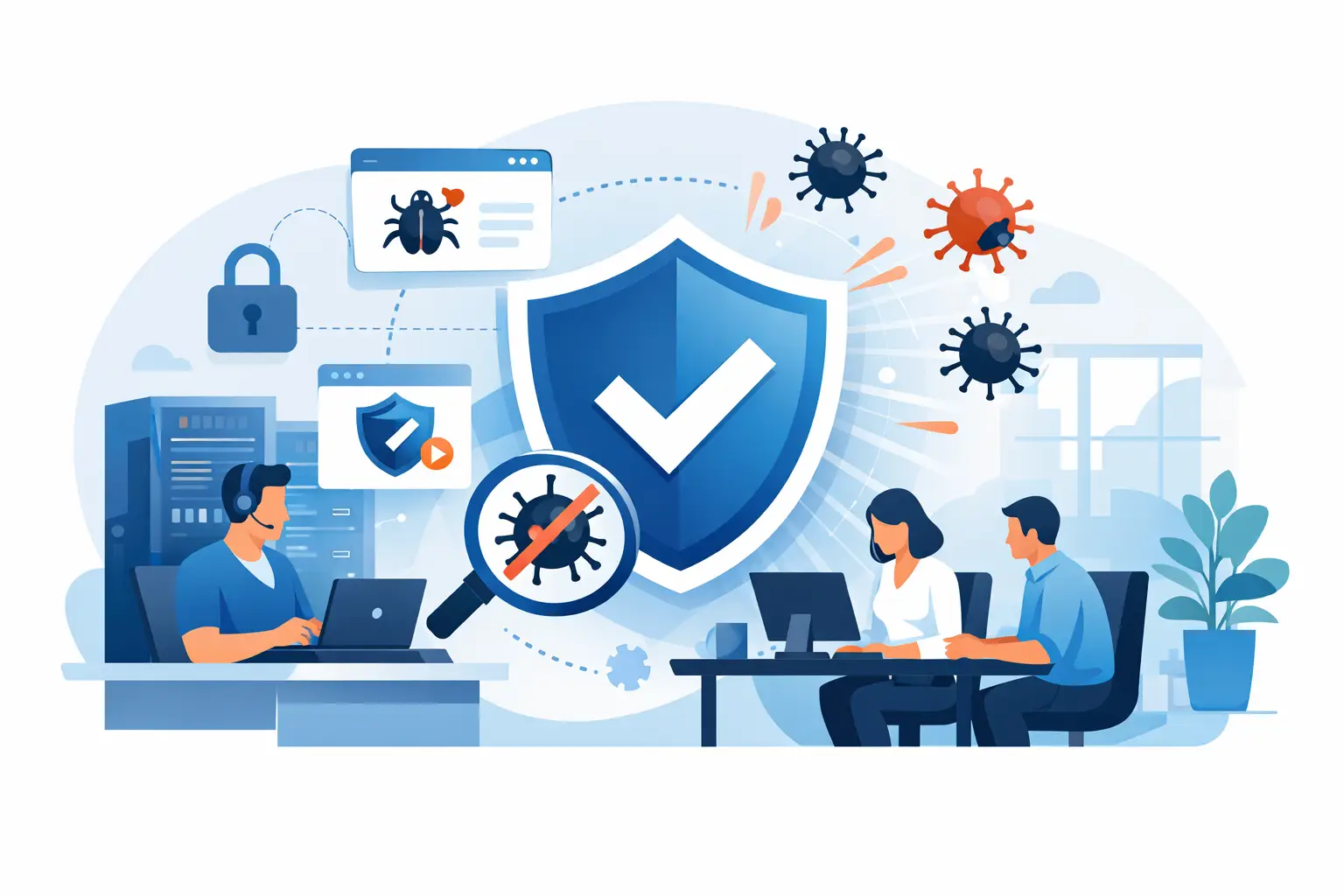
A suspicious invoice attachment gets opened at 9:12 a.m. By lunch, shared files will not open, a browser is throwing pop-ups, and the office is wondering whether customer information is exposed. That is when a small business virus removal service needs to do more than make a warning message disappear. It needs to stop the damage, find the source, protect your data, and get your team working safely again.
For owner-led businesses across Kennedale, Arlington, Fort Worth, and DFW, a virus problem is not just an IT inconvenience. It can delay estimates, interrupt payroll, lock up project files, and make employees afraid to use the systems they rely on. Fast help matters, but careful remediation matters just as much.
What a Small Business Virus Removal Service Should Do
A proper cleanup starts with containment. If a system may be infected, it should be separated from the business network before the threat can spread to shared folders, cloud accounts, printers, or other connected devices. This does not always mean shutting down every computer in the office. It means identifying what is affected and preventing a single bad file or stolen password from becoming a company-wide outage.
Next comes investigation. Pop-ups and sluggish performance can point to adware, but they can also hide more serious trouble such as ransomware, credential-stealing malware, unauthorized remote-access tools, or a compromised browser extension. Removing one visible symptom without checking the full system can leave the door open for the same attacker to return.
A dependable small business virus removal service should include threat removal, security scanning, software updates, account review, and verification that business applications and files are functioning normally. If data was encrypted, altered, or deleted, recovery may involve backups. If passwords may have been captured, employees need to reset them from known-clean systems and enable stronger sign-in protection where available.
The goal is not simply to say, “The virus is gone.” The goal is to give the business a clear answer: what happened, what was affected, what was done, and what needs to change next.
Why DIY Cleanup Can Cost More Than It Saves
Small businesses are resourceful. An office manager may search for a quick fix, run a free scan, delete a suspicious file, and hope the issue is over. Sometimes that works for a minor nuisance. It is a risky bet when company data, financial records, client files, or login credentials are involved.
Malware is built to hide. It may install under a harmless-looking name, create a scheduled task that restores itself, change browser settings, or use a legitimate remote-management tool to stay connected. A scan can remove the obvious file while missing the persistence mechanism that brings it back tomorrow.
There is also the question of evidence. If a business does not know whether an attacker accessed email, cloud storage, saved passwords, or shared files, it cannot make an informed decision about customer notification, password resets, or compliance responsibilities. Not every incident becomes a reportable breach, but guessing is not a plan.
The trade-off is straightforward. A quick in-house fix may seem cheaper upfront, especially when the symptoms appear minor. Professional remediation adds cost, but it can reduce downtime, preserve recoverable data, and prevent a recurring infection from disrupting the business a second time.
Signs You Need Help Right Away
One strange pop-up does not always mean a major infection. A pattern of unusual activity deserves attention, especially when it involves work accounts or shared data. Call for help promptly if employees see ransom notes, files with changed extensions, repeated security alerts, unfamiliar software, redirected web searches, unauthorized password-reset emails, or unexpected messages sent from company accounts.
Other warning signs are less dramatic. A computer may run unusually slowly, restart without explanation, display new toolbars, or show activity when no one is using it. Business owners should also take notice if an employee reports that a vendor received a strange invoice request or payment-change email from the company. That can signal an email account compromise rather than a traditional virus, but the response still requires urgency.
Do not keep entering passwords into a system you believe is infected. Do not pay a ransom before understanding the situation. And do not plug in external drives or begin copying files around blindly, because that can spread malicious files or overwrite usable backups.
The Recovery Plan Matters as Much as Removal
Virus removal is the emergency work. Recovery is what gets the business back on stable ground.
First, confirm which systems are clean and safe to reconnect. Then restore files from verified backups when necessary, test critical software, and confirm that shared folders, email, accounting tools, and line-of-business applications are working as expected. A backup is only helpful if it can be restored and the restored files are usable.
This is why automatic, redundant backups are so valuable for small businesses. One local copy may be vulnerable to a ransomware attack or hardware failure. One cloud copy may be vulnerable if a compromised account has broad access. The right setup depends on the business, the amount of data involved, how quickly operations must resume, and whether key systems need to be available from multiple locations.
For example, a contractor may need fast access to estimates, job photos, and scheduling records. A professional office may need protected client documents and dependable email. A hospitality business may have different priorities around reservation tools, payment systems, and staff access. The recovery plan should match how the company actually works, not a generic checklist.
Preventing the Next Infection Without Making Work Harder
The strongest security plan is one employees can realistically follow. If security is too confusing or gets in the way of everyday work, people will find workarounds. Good protection combines practical technology with clear habits.
Keep operating systems, browsers, and business software updated. Use reputable endpoint protection that is monitored and maintained. Limit administrative access to the people who truly need it. Require multi-factor authentication for email, cloud storage, banking, and other critical accounts. Separate routine user accounts from administrative accounts whenever possible.
Employee training is a major part of prevention. Staff should know how to spot suspicious attachments, fake sign-in pages, unexpected payment requests, and messages that create panic or urgency. They should also know exactly who to contact when something feels off. Reporting quickly is a win, not a reason to blame someone.
Network setup matters, too. Guest access should be separated from business devices, shared folders should be limited to the right users, and remote access should be controlled rather than left open for convenience. These measures do not guarantee that an attack will never happen. They make it harder for a single mistake to become a larger incident.
Get Support That Understands the Whole Business
A virus affects more than one computer. It can touch employee workflows, customer trust, backups, cloud accounts, office networking, and the ability to serve customers. That is why small businesses benefit from a technology partner that can handle both the urgent repair and the improvements that reduce future risk.
TechXperts helps DFW businesses respond when systems fail, then builds practical safeguards around the way their teams work. That may include onsite support, backup planning, cloud access, secure networking, employee training, and a better process for managing software and accounts. The right solution is not always the most complicated one. It is the one that protects the business without slowing down the people doing the work.
When a threat appears, act quickly and avoid guesswork. Once the immediate problem is under control, use the incident as a chance to close the gaps it exposed. A cleaner system is good. A business that is better prepared for the next suspicious click is even better.


0 Comments