
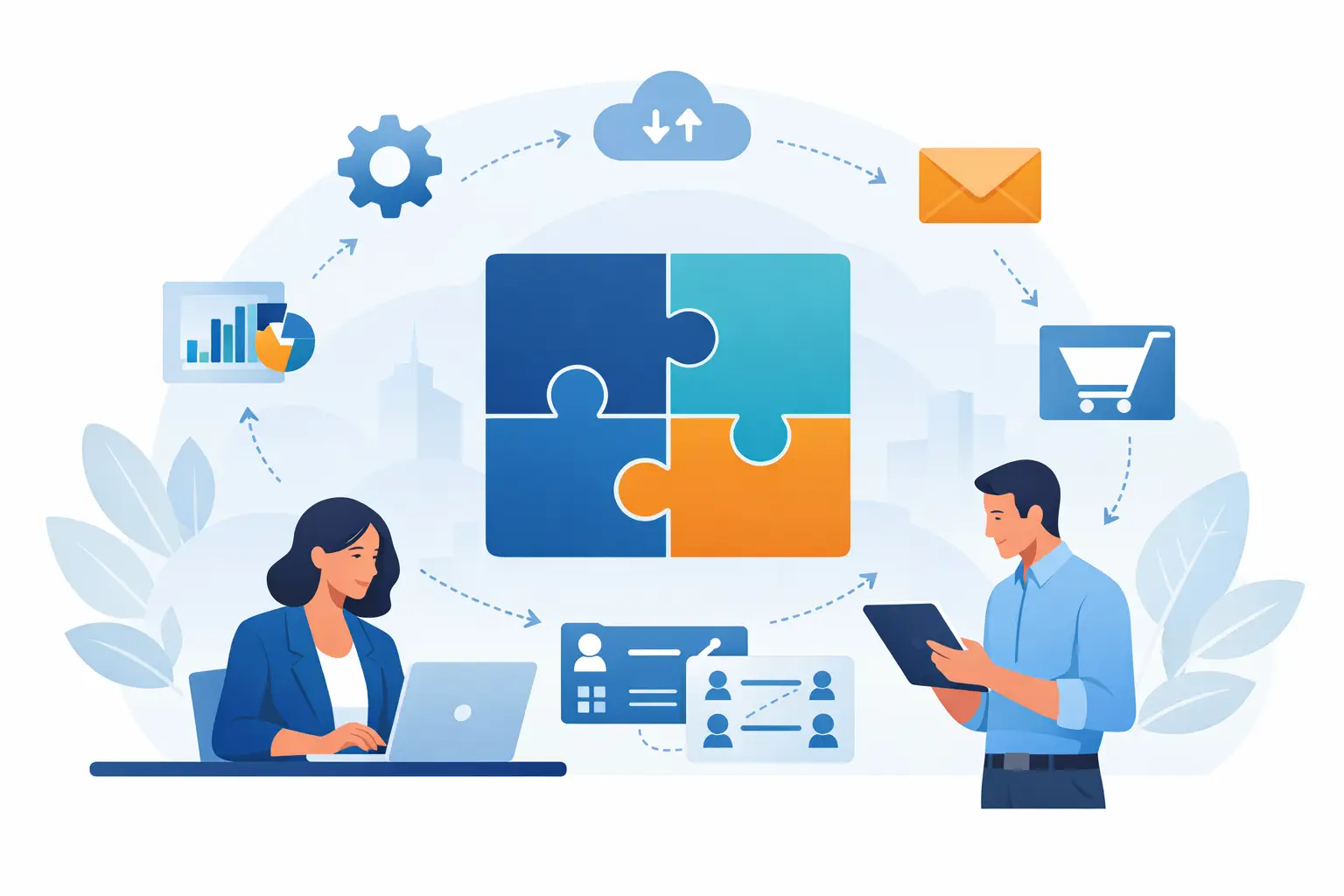
A new customer fills out a form on your website. Your team receives an email, then somebody manually retypes the details into a spreadsheet, creates an estimate, adds a calendar reminder, and hopes nothing gets missed. That is not a people problem. It is a workflow problem – and small business software integration is often the fix.
For many DFW businesses, the issue is not a lack of technology. It is too many disconnected tools. The accounting software does not talk to the customer database. The field team cannot see the latest job notes. Files live in email attachments, desktops, and cloud folders with no clear source of truth. Employees spend their day hunting for information instead of serving customers.
The right integration plan connects the systems that matter, reduces repeat entry, and gives owners a clearer view of what is happening. It should make work easier without forcing a small team into a complicated enterprise setup.
What Small Business Software Integration Actually Means
Software integration is the work of allowing separate programs to share information or trigger actions between one another. Sometimes that means connecting a website contact form to a customer relationship management system. Other times, it means making your invoicing platform pull approved job details from your scheduling system.
The goal is not to connect every app your business owns. The goal is to remove the handoffs that cause delays, mistakes, and frustration.
A contractor, for example, may need leads from the website to create customer records, notify the office, and start an estimate workflow. A professional services firm may need signed documents stored automatically in the correct client folder while the team receives a task to begin onboarding. A hospitality business may need online inquiries, reservation information, and follow-up marketing organized in one reliable process.
Good integration also improves accountability. When information moves predictably, it is easier to see who owns the next step and where a customer request stands. That is valuable for a two-person office and just as valuable for a growing team with technicians, field staff, and remote workers.
Start With the Bottleneck, Not the Software
Business owners are often shown a flashy new platform and told it will solve everything. Sometimes it helps. Just as often, it adds another monthly bill and another login while the underlying process stays messy.
Start by identifying the moments where work slows down. Look for tasks that require employees to copy the same information between systems, ask the same questions repeatedly, or search several places for one answer. Pay attention to work that gets stuck when a single employee is out of the office.
Ask a few practical questions:
- Where do leads first enter the business, and who responds?
- Which details are entered more than once?
- Where do approvals, estimates, invoices, or job updates get delayed?
- Which files need to be accessible from the office, home, or field?
- What information would help you make better decisions each week?
These answers reveal the integration priorities. They also prevent a common mistake: automating a broken process. If your estimate process has unclear pricing, unclear approvals, or inconsistent customer information, connecting more systems will only move the confusion faster.
Before selecting tools, simplify the workflow. Decide what information must be collected, who verifies it, and what should happen next. Then choose technology that supports those decisions.
The Connections That Usually Deliver the Fastest Payoff
Every business is different, but a few connections regularly create meaningful gains for owner-led companies.
Website Leads and Customer Follow-Up
A website should do more than look professional. It should deliver inquiries to the right person quickly and preserve the details needed for a useful follow-up. When a contact form, call tracking process, or online appointment request feeds directly into a customer database, leads are less likely to disappear in an overloaded inbox.
This is especially useful when marketing campaigns are running. If you are paying for SEO, Google Business Profile activity, social media campaigns, or video advertising, you need to know which sources create real conversations and paying customers. Integration can connect the lead source to the customer record so you can see what is producing qualified traffic instead of guessing.
Scheduling, Job Management, and Invoicing
For service businesses, the handoff from booked work to completed work is where revenue can leak. A scheduled appointment should not require three separate entries before an invoice can be sent.
When scheduling, job notes, time tracking, and invoicing are connected correctly, the office gets cleaner information and customers get faster communication. The trade-off is that these systems need clear rules. Decide whether field staff can change pricing, who approves completed work, and what happens when a job scope changes. Integration supports discipline; it cannot replace it.
Cloud Files, Documents, and Team Access
Paperless-office systems work best when staff can find current documents without asking around. A client record, signed form, estimate, or project file should be stored in a consistent location with sensible permissions.
Cloud integration can automatically create folders when a new client or project is opened, attach documents to the appropriate record, and notify the right people when something is ready for review. It also supports mobile-office work, provided employees have secure access and understand how to use the system.
Do not confuse shared access with unlimited access. Financial records, employee files, and sensitive customer information should be restricted to the people who genuinely need them. A convenient setup that exposes private data is not a successful setup.
Accounting and Reporting
Owners need numbers they can trust. If sales records, invoices, expenses, and payment status live in unrelated places, reporting becomes a monthly scavenger hunt.
Integrating accounting with approved operational data can reduce duplicate entry and make cash flow, outstanding invoices, and job profitability easier to review. However, accounting connections deserve extra care. One incorrect field mapping can create a costly cleanup project. Start with a test environment or a limited set of records, review the results, and keep a backup before changing live financial data.
Build Small, Test Thoroughly, Then Improve
The best small business software integration projects are usually phased. Begin with one high-value workflow, such as website inquiries flowing into your customer management system. Test it with real scenarios, including incomplete forms, duplicate contacts, canceled jobs, and unusual requests.
A successful test checks more than whether data moves. It checks whether the information lands in the right place, appears in a useful format, triggers the right notification, and gives employees a clear next action. If the office receives an alert but does not know who should respond, the integration has not solved the real problem.
Training matters just as much as the technical setup. Employees should understand the new process, know what they are responsible for entering, and have a simple way to report issues. A short hands-on training session can prevent weeks of workarounds and side spreadsheets.
Documentation is worth the effort, too. Keep a plain-English record of what connects to what, who owns each system, what data is shared, and what to do if an automation fails. Small businesses often rely on a few key people. Clear documentation keeps an unexpected absence from becoming an operational crisis.
Security, Backups, and Ownership Cannot Be Afterthoughts
Connecting systems means data travels farther. That makes security part of the project, not an optional add-on. Use strong, unique passwords and multi-factor authentication. Review user access when employees change roles or leave. Limit third-party connections to tools you trust and actually use.
Backups deserve the same attention. An integration may save time, but it can also spread bad data quickly if a record is accidentally deleted or changed. Automatic and redundant data backup gives you a recovery option when a human error, account issue, or software problem affects critical information.
Also confirm who owns each account. The business should control its core software subscriptions, domain-related logins, cloud storage, and administrator access. A provider can manage and support these systems, but the owner should never be locked out of the technology that runs the company.
When Custom Help Is Worth It
Prebuilt connectors can handle many common tasks, and they are often the right place to start. But they are not magic. Some programs have limited integration options. Others connect on paper but do not share the fields your workflow needs. Custom work may be worthwhile when a process is central to your operations, when errors are expensive, or when your team is wasting substantial time every week.
The right partner will ask about your actual process before recommending a platform. They should explain costs, limitations, security considerations, and what employees need to do differently. They should also be available after launch, because real-world use always exposes details that were not obvious during planning.
For North Texas businesses that need help connecting technology, training staff, protecting data, and keeping daily operations moving, TechXperts brings the practical support of a local IT team to the bigger picture of business growth. Start with the workflow that frustrates your team most, fix it properly, and let the next improvement build from there.


0 Comments