
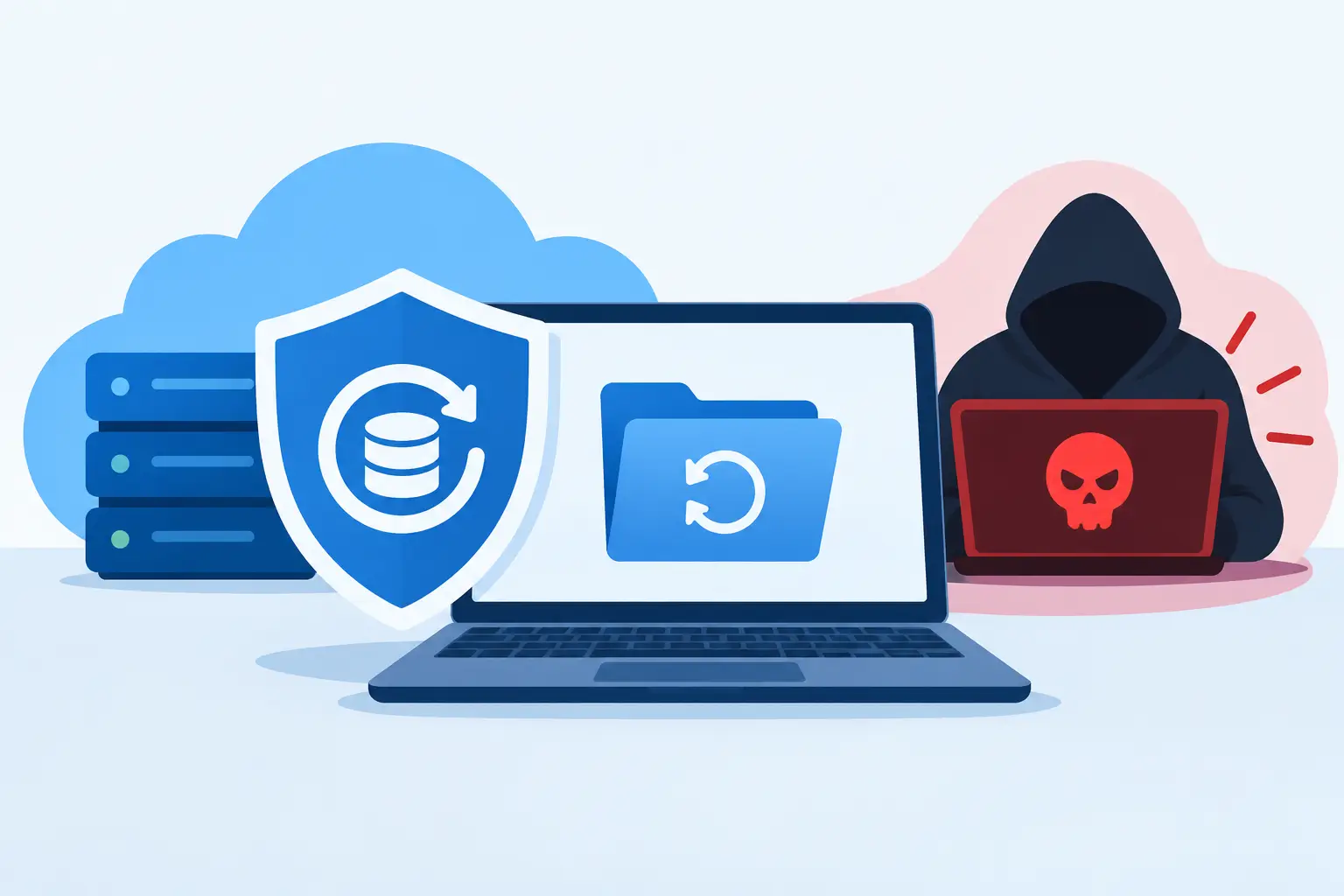
A Monday-morning ransomware message can turn a normal workday into a full stop. Customer files will not open, estimates disappear, shared folders are renamed, and someone is demanding payment before your team can get back to work. The question, can backups prevent ransomware, has a practical answer: backups usually cannot stop an attacker from getting in, but the right backups can stop the attack from becoming a business-ending event.
For a small business in Kennedale, Arlington, Fort Worth, or anywhere across DFW, that distinction matters. Ransomware is not only a technology problem. It is a lost-sales, missed-deadlines, frustrated-customers, and reputation problem. A backup plan gives you options when criminals expect you to have none.
Can Backups Prevent Ransomware Damage?
Backups do not prevent ransomware in the same way a locked door prevents an intruder. Ransomware can still arrive through a convincing email, a stolen password, an unpatched system, a compromised remote connection, or an employee clicking the wrong attachment.
What reliable backups do is prevent the attacker from holding your only copy of critical data hostage. If you can wipe affected systems, verify the infection is gone, and restore clean versions of your files, paying a ransom becomes far less attractive. That is a major win, but it only works when the backups themselves were designed to survive an attack.
Many businesses discover too late that a folder copied to one external drive is not ransomware protection. If that drive is plugged in, connected to the network, or accessible through the same account that was compromised, ransomware may encrypt it too. Cloud file syncing can create the same problem. A syncing service may quickly copy encrypted files over the healthy versions unless version history and recovery controls are configured correctly.
The better question is not simply, “Do we have backups?” Ask, “Can we restore clean data quickly after an attacker compromises our systems?” That question exposes the gaps that matter.
Prevention and Recovery Need to Work Together
A good ransomware defense has two jobs. First, reduce the chance of a successful attack. Second, make recovery manageable if one gets through. Backups handle the second job. Security controls, staff habits, and ongoing system maintenance handle the first.
Your prevention layer should include strong, unique passwords protected by multi-factor authentication, timely software updates, email filtering, limited user permissions, and employee training that treats suspicious messages as a business risk rather than an IT nuisance. No single tool catches everything. An owner who uses one password everywhere, or a staff member who can install anything on a shared office computer, can accidentally create a wide-open path for an attacker.
Backups are your recovery layer. They buy time, protect negotiating power, and keep one bad click from destroying years of work. But they should never be used as an excuse to ignore security. Restoring an infected environment without fixing the entry point can lead to a second attack before the week is over.
What a Ransomware-Ready Backup Looks Like
Small businesses do not need enterprise-sized complexity, but they do need a plan built for real failures. A useful starting point is the 3-2-1-1-0 approach:
- Keep at least three copies of important data, including the working copy.
- Store those copies on two different types of storage.
- Keep one copy offsite, away from the office or home.
- Keep one copy offline or immutable, meaning it cannot be changed or deleted during a set retention period.
- Verify zero backup errors through monitoring and regular restore tests.
The offline or immutable copy is especially valuable against ransomware. An offline copy is disconnected when it is not actively backing up. An immutable backup is stored so that even an administrator account cannot alter it during its protected period. These options are not identical, and the right choice depends on your workflow, budget, and how quickly you need to recover. Both address the same problem: an attacker should not be able to reach every copy of your data with one set of stolen credentials.
Retention also deserves attention. If ransomware sits quietly in your network for weeks before anyone notices, yesterday’s backup might already contain encrypted or infected files. Keeping multiple restore points from different dates gives you a better chance of finding a clean version. For accounting records, project files, customer documents, and business databases, longer retention can be worth the added storage cost.
Back Up More Than the Shared Drive
The shared drive is often the first thing business owners think about, but it is rarely the only thing needed to reopen after an incident. Your backup plan should account for the systems that run the business: financial data, line-of-business software, email, cloud storage, forms, scanned records, configuration settings, and key device settings.
Cloud software also needs a recovery conversation. Microsoft 365, Google Workspace, and other cloud platforms offer excellent availability, but availability is not the same as a complete backup strategy. If an employee deletes a folder, an account is taken over, or ransomware encrypts synced files, built-in retention may not match your recovery needs. Understand what your provider keeps, for how long, and how you would retrieve it under pressure.
For paperless offices, scanned documents deserve special care. If signed agreements, invoices, job photos, or personnel records exist only as digital files, they are not secondary data. They are business records. Organize them consistently, apply the right access permissions, and include them in the same backup and restore testing process as everything else.
A Backup Is Only Proven When It Restores
A backup job marked “successful” does not guarantee a successful recovery. The file may be incomplete, the backup may be corrupted, the restore process may take much longer than expected, or nobody may know which version to choose. The only way to know is to test.
A practical test does not have to shut down the office. Start by restoring a sample of important files to a separate location and checking that they open correctly. Then test a larger recovery scenario periodically: restore a key folder, a database, or a cloud account’s data into a safe environment. Record how long it takes and what steps caused confusion.
That timing is a business decision, not just a technical detail. A contractor may be able to work around a missing archive for a day but cannot afford to lose current job schedules. A professional office may need client files available within hours. Define a realistic recovery target for each system, then make sure your backup design can meet it.
Documentation helps when stress is high. Keep a simple recovery playbook with contacts, account details stored securely, backup locations, critical-system priorities, and the process for communicating with employees and customers. If the person who normally handles technology is unavailable, someone else should still know what happens next.
The Most Common Backup Mistakes
The biggest mistake is assuming backups run because they were set up once. Storage fills up. Payment methods expire. Devices are replaced. A backup agent stops after an update. Someone changes a password that the backup process depends on. Quiet failures are common, which is why alerts and review matter.
Another mistake is giving every user broad access to every file and every backup system. The more accounts that can delete data or change backup settings, the larger the blast radius of a stolen password. Use separate administrative accounts where possible and give people only the access they need to do their jobs.
Finally, do not rush to restore while the attack is still active. First isolate affected systems from the network, preserve useful evidence, identify the scope of the incident, and remove the threat. Restoring too early can overwrite clean backup data or reintroduce the same malware into the environment.
Recovery Should Be Planned Before the Emergency
When ransomware strikes, the goal is not merely to get files back. It is to return your business to safe, productive operation with the least possible disruption. That may mean restoring systems in a specific order, temporarily using cloud tools, communicating clearly with customers, and changing passwords or access controls before staff signs back in.
For homeowners, the stakes may be family photos, tax records, and personal documents. For a small business, the stakes can include payroll, active projects, customer trust, and the ability to answer the next call. The size of the backup plan should match the consequences of losing the data.
TechXperts helps DFW homes and small businesses build automatic, redundant backup plans that fit how they actually work, then verify those plans before an emergency forces the issue. The smartest time to test your recovery is on a quiet day, when a failed restore is an inconvenience instead of a crisis.


0 Comments