
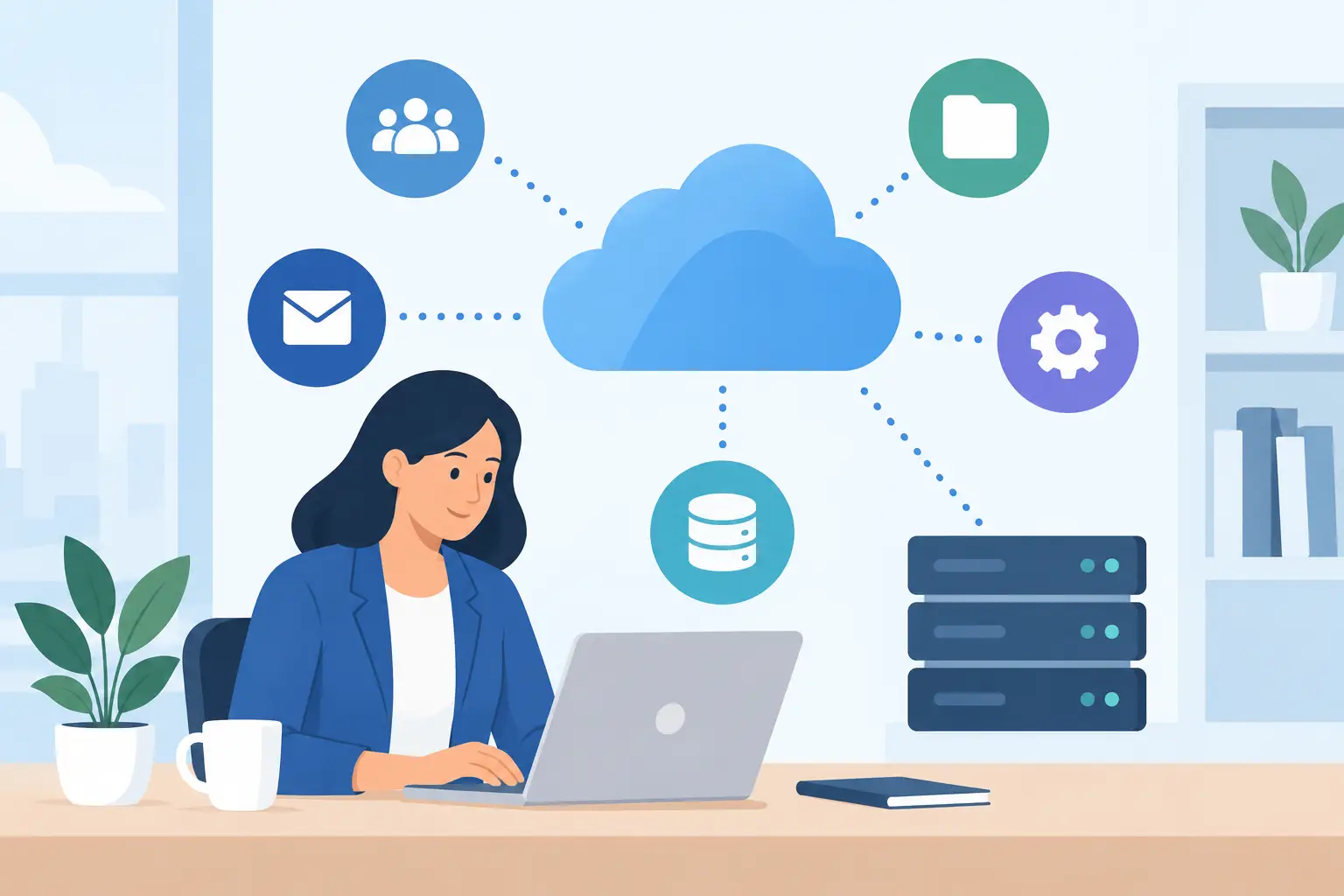
When an employee has to re-enter customer details from one program into another, search three places for a signed form, or call the office to find the latest job update, the problem is bigger than a slow computer. Cloud systems integration gives your business a connected way to move information, work from anywhere, and keep daily operations from getting stuck in app-to-app confusion.
For a small business in Kennedale, Arlington, Fort Worth, or anywhere across DFW, this is not about buying every new software tool on the market. It is about making the tools you already depend on work together in a way that saves time, protects data, and gives your team clear next steps.
What Cloud Systems Integration Actually Means
Cloud systems integration connects separate online platforms so data can be shared, updated, and used without constant manual work. Your accounting system, customer relationship management platform, email, document storage, scheduling tool, point-of-sale system, and field-service software may each do a useful job. But if they operate as separate islands, employees become the connection point.
That creates duplicate entry, missed updates, inconsistent records, and too many “Which version is right?” conversations. Integration reduces those gaps. A new customer inquiry can become a record in your business system. An approved estimate can trigger a project folder. A completed job can notify billing. A document saved by one authorized employee can be available to the people who need it without being emailed around five times.
The right setup depends on your workflow. A contractor with crews in the field needs different connections than a professional office managing appointments, contracts, and client files. The goal is not automation for its own sake. The goal is a workflow your staff can understand and trust.
Start With the Bottleneck, Not the Software
Small businesses often begin cloud projects by asking, “Which platform should we use?” That question matters, but it should come after a more practical one: Where does work slow down or fall through the cracks?
Look at the path from a new lead to a paid customer. Where do people copy information by hand? Where are files stored on one person’s desktop? Which approvals sit in an inbox too long? What happens when an employee is out of the office? The answers expose the processes that deserve attention first.
For example, a local service business may receive leads through its website, calls, social media, and referrals. If those inquiries land in different places, response time suffers. Connecting lead capture, email notifications, scheduling, and customer records can help the owner see what is happening before a prospect chooses a competitor.
An office that relies heavily on paper may have a different need. Scanning documents into organized cloud folders, applying consistent file names, and setting permission rules can reduce lost paperwork. Adding approval workflows may be worthwhile, but only after the filing process is easy enough for employees to follow every day.
Build Cloud Systems Integration Around Real Work
The best cloud systems integration projects map the work before configuring the technology. A quick workflow review should identify who starts a task, what information they need, where that information comes from, who approves it, and what marks the task complete.
This is where small businesses can avoid expensive mistakes. A platform might offer dozens of features, yet your team may only need a clean customer intake process, shared calendars, protected file access, and dependable backups. Complexity has a cost. If staff members cannot use the system confidently, they will return to texts, spreadsheets, and personal email accounts.
A sensible rollout usually starts with one high-impact workflow. Connect the systems involved, test them with real examples, and let the people doing the work point out what is confusing. Then improve the process before moving to the next area. This approach creates early wins while keeping daily operations moving.
Choose the right level of automation
Some tasks should be automated because they are repetitive and predictable. Sending an internal alert after a web form is submitted, creating a standard client folder, or reminding a customer about an appointment are good candidates.
Other tasks deserve a human review. A pricing exception, a contract change, or a sensitive customer complaint should not be pushed through automatically just because the software can do it. The practical rule is simple: automate routine handoffs, but keep people responsible for decisions that require judgment.
Security and Backup Cannot Be an Afterthought
Connecting systems also connects risk. If one employee account has weak passwords or excessive access, that person may accidentally expose files across several platforms. That is why cloud integration should include security planning from the first conversation, not after everything has been moved online.
Use individual employee accounts instead of shared logins. Turn on multi-factor authentication. Give each person access to the files and tools required for their role, rather than handing everyone the same broad permissions. Remove access promptly when roles change or employees leave.
Backup planning matters too. Cloud platforms are useful, but they are not a complete recovery strategy by default. Deleted files, overwritten records, sync errors, and compromised accounts can still cause real damage. A business needs clear answers to three questions: What is backed up, how often is it backed up, and how quickly can it be restored?
For businesses with customer data, financial information, or regulated records, retention rules and privacy requirements may also shape the design. There is no one-size-fits-all setup. A good provider explains the trade-offs in plain English rather than treating security as a stack of mystery settings.
Make Mobile Work Useful, Not Chaotic
Cloud tools can give owners and employees access beyond the office, which is valuable for field teams, home offices, and anyone who needs to respond quickly. But mobile access only helps when it is organized.
Employees need to know which app holds the official customer record, where completed forms belong, and how to report an issue when information does not sync correctly. Without those rules, workers may save files locally, send photos through personal messages, or update the wrong system. That creates the same confusion cloud tools were supposed to solve.
Training is part of the project, not an optional add-on. A short, role-based session often works better than a long technical presentation. Show office staff how to find and update records. Show field employees how to submit forms and photos. Give managers a simple process for checking status and correcting mistakes. Then document the basics so new hires are not left to figure it out on their own.
Watch for the Hidden Costs of Disconnected Tools
Most owners can see the monthly subscription cost of software. The larger cost is often hidden in wasted labor and missed opportunities. Five minutes spent hunting for a file may not feel serious once. Multiply it across a team, a month, and a year, and it becomes a real expense.
Disconnected systems also make reporting unreliable. If sales data is in one platform, job data is in another, and marketing leads live somewhere else, it is hard to tell what is producing revenue. You may keep paying for a marketing channel that delivers poor-fit inquiries, or overlook the service that creates your best repeat customers.
A connected setup does not guarantee perfect reporting. Data still has to be entered consistently, and leaders still need to ask smart questions. But it gives a small business a much stronger starting point for decisions about staffing, service lines, customer follow-up, and growth.
When Custom Integration Is Worth It
Not every business needs custom development. Many common connections can be handled through native integrations, carefully configured cloud platforms, or automation tools. These are often faster to launch and easier to maintain.
Custom work becomes more reasonable when your business has a specialized workflow, uses industry-specific software, or needs data to move in a way off-the-shelf options cannot support. Before approving custom work, ask who will maintain it, what happens when either platform changes, and how errors will be monitored. A clever connection that nobody can support is not a long-term solution.
The strongest projects balance convenience with accountability. They use proven tools where possible, document what was built, and leave the business with a process that can grow without becoming fragile.
Get a Plan Your Team Can Live With
Cloud integration works best when it is treated as an operational improvement project, not a software shopping trip. Start with the process that costs your team the most time or causes the most customer frustration. Set a clear outcome, such as faster lead response, fewer duplicate records, easier remote access, or more dependable document control. Then measure whether the new process actually delivers it.
TechXperts helps North Texas businesses connect cloud tools, networking, backups, paperless workflows, and employee training around the way they really work. The right technology should not make your business feel more complicated. It should give your people fewer places to look, fewer steps to repeat, and more time to take care of customers.


0 Comments