
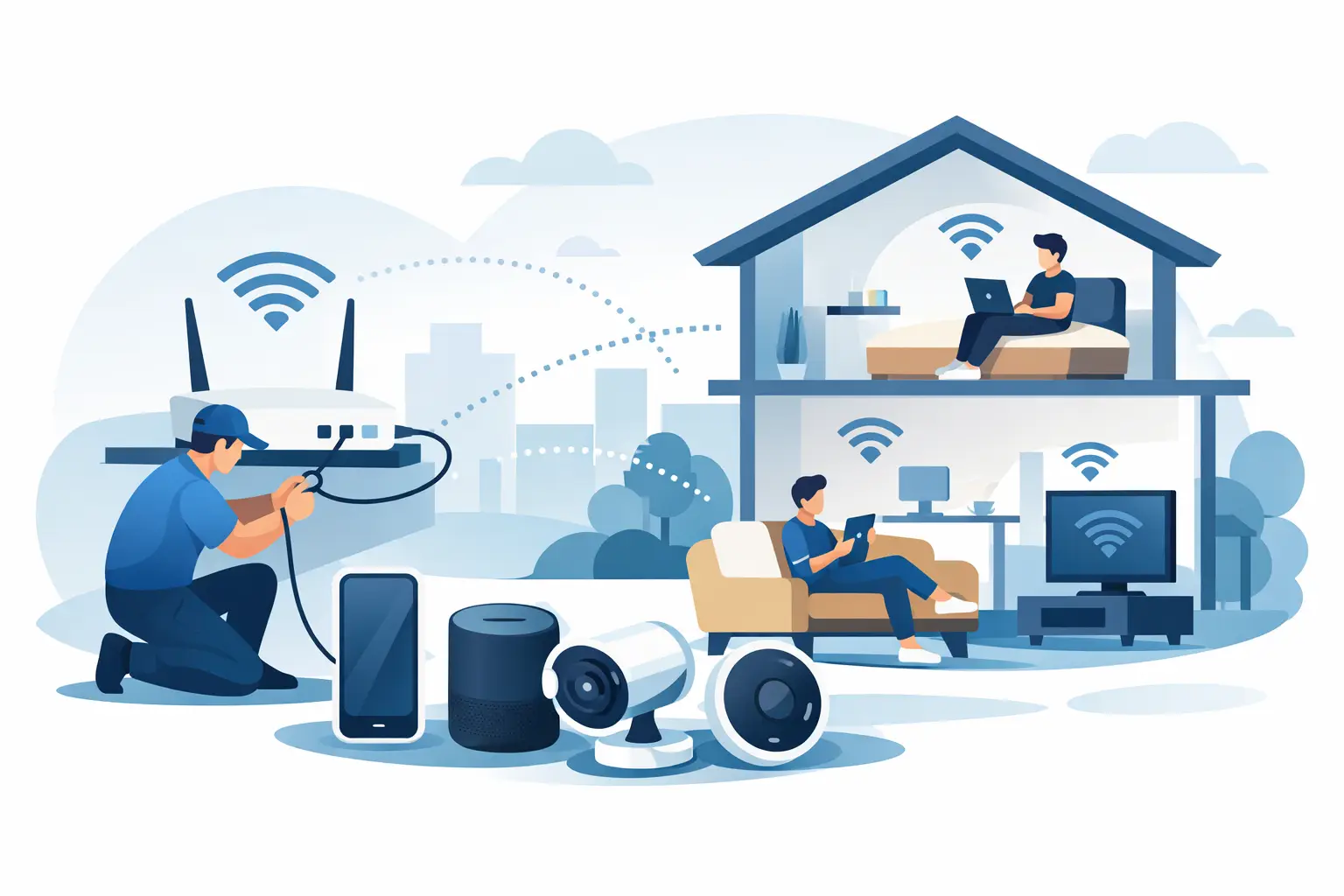
A frozen video call from the home office, a smart TV that buffers in the evening, and a back bedroom with one lonely WiFi bar are not three separate problems. They are signs that your home wifi network installation was designed around where the internet enters the house, not where your family actually uses it.
For homeowners across Kennedale, Arlington, Fort Worth, Mansfield, and the wider DFW area, reliable WiFi has become part of the home’s basic infrastructure. It supports work, school, security cameras, streaming, gaming, smart thermostats, doorbells, and the growing pile of connected devices most households barely think about until something stops working. The fix is rarely just buying a more expensive router.
Start With the Layout, Not the Router Box
Every home presents its own WiFi challenges. A one-story ranch home may need coverage stretched end to end. A two-story home may have strong service downstairs and frustrating dead zones upstairs. Brick, stone, metal ductwork, mirrors, dense insulation, and older plaster walls can all weaken or redirect wireless signals.
Before selecting equipment, map out where connectivity matters. Include offices, bedrooms, patios, garages, media rooms, and camera locations. Then identify the high-demand areas. A guest room that occasionally streams a show does not need the same performance as an office handling cloud files and video meetings all day.
Internet speed matters, but it is only one part of the picture. You can pay for a fast service plan and still get poor results if the router is tucked into a cabinet, installed at one extreme end of the house, or trying to push through several dense walls. Good home networking begins with placement and coverage planning.
Put the Main Equipment in the Right Place
The ideal router or primary mesh unit sits as close to the center of the active living area as practical, out in the open and elevated from the floor. A utility closet may be convenient for cables, but it is often a poor location for broadcasting WiFi throughout the house.
Sometimes the internet provider’s connection enters the home in exactly the wrong spot. That does not mean you have to accept weak coverage. Structured cabling, a relocated access point, or a properly planned mesh system can bring the signal closer to the rooms that need it most.
Choose the Right Home WiFi Network Installation Approach
There is no single best setup for every property. The right choice depends on square footage, construction materials, internet speed, device count, and how much performance matters in each room.
A single quality router can be a good fit for a smaller, open-layout home where most activity happens near the center. It is simple to manage and often costs less. The trade-off is that one device has limits, especially in homes with multiple floors or heavy interior walls.
A mesh WiFi system uses two or more coordinated units to extend coverage across the home. For many larger DFW homes, it is the practical answer to dead zones. Mesh equipment is not magic, though. Units need proper placement, usually with enough separation to cover new areas while remaining close enough to communicate well with each other.
For the strongest performance, especially in offices, media rooms, detached spaces, or larger homes, wired access points are often the better answer. These access points connect back to the network with Ethernet cabling rather than relying entirely on wireless communication between mesh units. That reduces congestion and gives demanding devices more consistent performance.
The best setup may combine methods: a central router, wired access points for key rooms, and carefully placed mesh units where running cable is impractical. A network guru should recommend what fits the house, not push one box for every situation.
Give High-Priority Devices a Better Connection
Not every device needs WiFi. Stationary devices that move large amounts of data or need dependable low-latency performance often benefit from a wired Ethernet connection. Desktop workstations, smart TVs, gaming systems, network storage, and office equipment are common examples.
Wiring these devices does two useful things. It gives them a more stable connection and frees wireless capacity for devices that actually need to be mobile. This becomes more noticeable when several people are working, streaming, or gaming at once.
If running new cable is not realistic, a well-designed wireless setup can still perform very well. The point is to match the connection type to the job. Convenience is valuable, but it should not come at the expense of a home office that drops calls every afternoon.
Separate Guests and Smart Devices
A professionally planned network does more than broadcast one password. It creates sensible separation between the devices you trust most and the devices that need only basic internet access.
A guest network lets visitors get online without giving them access to shared printers, computers, or other devices on the primary network. Smart-home products can also benefit from their own network segment. Cameras, speakers, lights, thermostats, and appliances are convenient, but many receive limited security updates over their lifespan.
Segmentation is especially useful for households that operate a business from home. Client files, cloud applications, and work devices should not compete with or sit openly alongside every entertainment and smart-home device in the house.
Security Is Part of the Installation
Fast WiFi is not useful if the network is easy to compromise. A proper setup starts with changing the default administrator login, installing current firmware, and using a long, unique WiFi password. WPA3 security is preferred when supported, while WPA2 remains common on older devices.
Avoid reusing a password from an email account, online banking, or another critical service. Also consider whether remote management features are truly necessary. If they are not, turn them off. Convenience settings can create unnecessary exposure when no one is actively using them.
Your router should also be set to receive firmware updates automatically when possible. Network equipment is often installed, forgotten, and left unchanged for years. That is exactly when outdated software becomes a problem.
For a home-based business, backup planning belongs in the same conversation. A dependable network helps keep cloud systems available, but it does not replace protected backups for business records, family photos, or important documents.
Test the Network Where Life Happens
A speed test beside the router tells you very little about real-world coverage. Test in the office, bedrooms, living room, patio, garage, and any space where security cameras or smart devices need a reliable signal. Run tests at different times of day, particularly during the evening when the network is busiest.
Look beyond the download number. Check whether video calls remain clear, whether uploads complete reliably, and whether devices reconnect quickly after a power interruption. If a mesh unit is placed too far away, it may show a connection while still delivering disappointing performance.
It also helps to identify issues that are not WiFi issues. Service outages, aging provider equipment, overloaded devices, poor cabling, and DNS problems can all feel like weak wireless coverage. That is why guessing from a single symptom can lead to unnecessary purchases.
When Professional Help Saves Time
Do-it-yourself setup can work well for a simple home and a straightforward router replacement. But troubleshooting becomes more complicated when the house has multiple levels, thick walls, outbuildings, cameras, home-office demands, or recurring dropouts that no one has been able to explain.
A hands-on assessment can determine where signal loss occurs, whether equipment is outdated, where access points should go, and whether Ethernet cabling would solve the real problem. TechXperts can build a customized home network that is easier to use, safer for your devices, and ready for the way your household works now.
The goal is not to fill the home with blinking boxes. It is to make the internet disappear into the background so the office stays productive, the stream keeps playing, and every room works the way it should.


0 Comments