
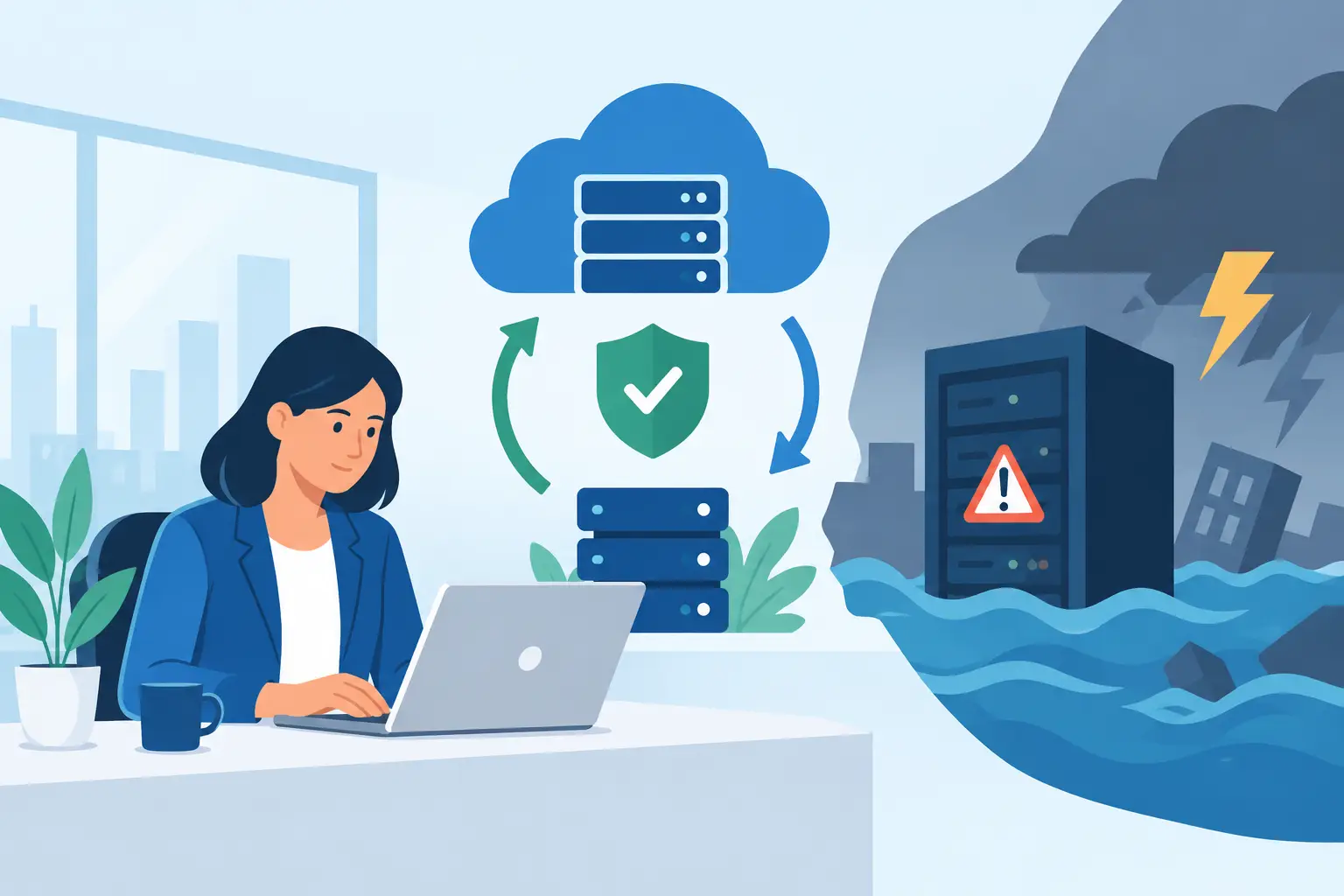
A Monday-morning outage can turn a busy DFW office into a costly waiting room fast. Employees cannot reach files, customer emails pile up, card payments stall, and nobody is sure whether restarting a computer will help or make things worse. This IT disaster response guide gives small-business owners a clear way to act when technology fails – without guessing, panicking, or losing track of the work that still needs to get done.
What Counts as an IT Disaster?
A disaster is not limited to a tornado, fire, or major flood. For a small business, it is any technology event that stops normal operations, puts sensitive information at risk, or creates a serious risk of extended downtime.
That could mean ransomware encrypting shared files, an internet outage taking down cloud access, a failed server, a damaged network switch, a power surge, or an employee accidentally deleting a critical folder. It may also be a compromised email account sending fraudulent invoices to customers.
The size of the event matters less than the business impact. If your team cannot schedule jobs, access client records, process payments, communicate with customers, or operate securely, you need a response plan.
The First Hour Sets the Tone
The first goal is not to fix everything instantly. The goal is to contain the damage, preserve useful information, and keep people from taking actions that make recovery harder.
Start by identifying what is affected. Is one employee unable to work, or is the whole office offline? Are files unavailable because of an internet problem, a cloud-service issue, or a local network failure? Is there evidence of a security incident, such as unfamiliar sign-ins, unexpected password resets, ransom messages, or files with strange extensions?
Assign one person to coordinate decisions and communication. In a small office, this may be the owner, office manager, or a designated technology contact. Everyone else should know who is giving instructions. That simple step prevents five people from calling different vendors, rebooting equipment at random, or sharing incomplete information with clients.
If malware or account compromise is suspected, isolate the affected device or user immediately. Disconnect the device from Wi-Fi or wired network access, but do not wipe it, reinstall software, or start deleting files. Those actions can destroy evidence and complicate recovery. For a suspicious email account, change passwords from a known-clean device and end active sessions where possible.
For a broader outage, avoid repeated restarts of servers, network equipment, and storage devices unless your IT provider directs you to do so. A restart can solve a minor glitch. It can also turn a recoverable hardware or data problem into a longer outage. It depends on the cause, which is why a quick assessment comes before a quick fix.
Build Your IT Disaster Response Guide Around Priorities
A response plan should reflect how your business actually operates, not a generic enterprise checklist that sits unread in a folder. Start with the services that cost you the most when they are unavailable.
For a contractor, that may be scheduling software, estimates, customer contacts, and field access to job documents. For a professional office, it may be email, client files, billing, and secure remote access. A restaurant or hospitality business may put payment processing, reservations, internet access, and point-of-sale systems first.
Write down your recovery priorities in order. Include the people responsible for each business function and a practical workaround. If your scheduling platform is unavailable, can the team use a printed schedule, a temporary spreadsheet, or a designated manual intake process? If email is down, how will employees and customers reach the office?
Your plan should answer four questions for every essential system:
- What does this system support?
- Who owns the business decision for it?
- How long can we operate without it?
- What is the approved backup or manual workaround?
This exercise exposes weak spots before an emergency does. Many businesses learn too late that their critical application is tied to one employee’s credentials, that no one knows the internet account number, or that the only copy of a vendor contact list lives in an inbox nobody can access.
Protect Data Before You Need It Back
Backups are the center of recoverability, but a backup is only useful if it is complete, protected, and regularly tested. A single external drive in the office is better than nothing, but it can be stolen, damaged, encrypted by ransomware, or simply fail when you need it most.
A practical small-business approach uses more than one copy of important data, with at least one protected from the everyday network. That may include local backup for speed, encrypted cloud backup for offsite protection, and a separate immutable or isolated copy that ransomware cannot easily alter.
Do not assume that cloud software automatically covers every recovery need. Many cloud platforms protect their own infrastructure, but that does not always mean they can restore deleted files, mailbox contents, settings, or data from a specific point in time for your account. Review what is actually backed up, how long versions are retained, and who can request a restore.
Testing matters just as much as backup frequency. At least quarterly, restore a sample of files and verify they open correctly. Periodically test a larger recovery scenario: can you restore a key folder, a business application database, or a user account within the time your company can tolerate? A backup that has never been tested is a hopeful assumption, not a recovery strategy.
Communicate Clearly During an Outage
Silence creates its own damage. Employees may worry about payroll, customers may assume the business is closed, and vendors may continue sending requests that no one can see. Decide in advance who communicates with staff, customers, vendors, insurance contacts, and technology providers.
Your message does not need technical detail. It needs accuracy and a next step. Tell people what is affected, what you are doing, how they should work in the meantime, and when they can expect another update. Avoid promising a restoration time until the cause is understood.
For example, an internal note might say that the shared drive is unavailable, the technology team is investigating, employees should use the designated temporary process, and the next update will arrive at a stated time. A customer-facing message can be shorter: acknowledge a service interruption, provide an alternate contact method, and assure customers that their request will be handled.
Keep a basic incident log while events are fresh. Record when the issue was discovered, affected systems, actions taken, outside contacts, major decisions, and restoration times. This record helps technical troubleshooting, supports insurance or compliance needs, and makes the post-incident review far more useful.
Recovery Is More Than Turning Systems Back On
Restoring access is a major milestone, but it is not the finish line. Before declaring the incident closed, verify that systems are operating normally and securely. Check that employees can access the right files, scheduled backups are running, email rules have not been changed by an attacker, and security software is updated.
After a cyber incident, reset credentials for affected accounts and review accounts with administrative access. Look for unfamiliar forwarding rules, newly created users, unusual remote access tools, and changes to payment or banking information. If customer or employee information may have been exposed, get qualified guidance on notification, legal, and insurance obligations.
Then hold a short, no-blame review. Ask what happened, what slowed recovery, what worked well, and what needs to change. Maybe the backup was good but the contact list was outdated. Maybe employees recognized a phishing message quickly, but there was no clear way to report it. Improvements should become assigned tasks with deadlines, not vague lessons that disappear after the crisis.
Make Response a Routine, Not a Binder
The strongest plans are short enough to use under pressure. Keep your response contacts, system priorities, vendor details, backup information, and communication templates in a secure location that is available even if your primary systems are down. Print a protected copy for key decision-makers if appropriate.
Review the plan whenever you add new software, move files to the cloud, change internet providers, open a location, or bring on a new managed service. Train employees on the few actions that matter most: how to report suspicious activity, who can approve major changes, and what to do when a system is unavailable.
For North Texas businesses that need a hands-on partner, TechXperts can help turn scattered tools and uncertain backups into a practical response plan built around your daily operations. The best time to find out whether you can recover is not during the outage – it is while you still have time to test, improve, and keep your business moving.


0 Comments