
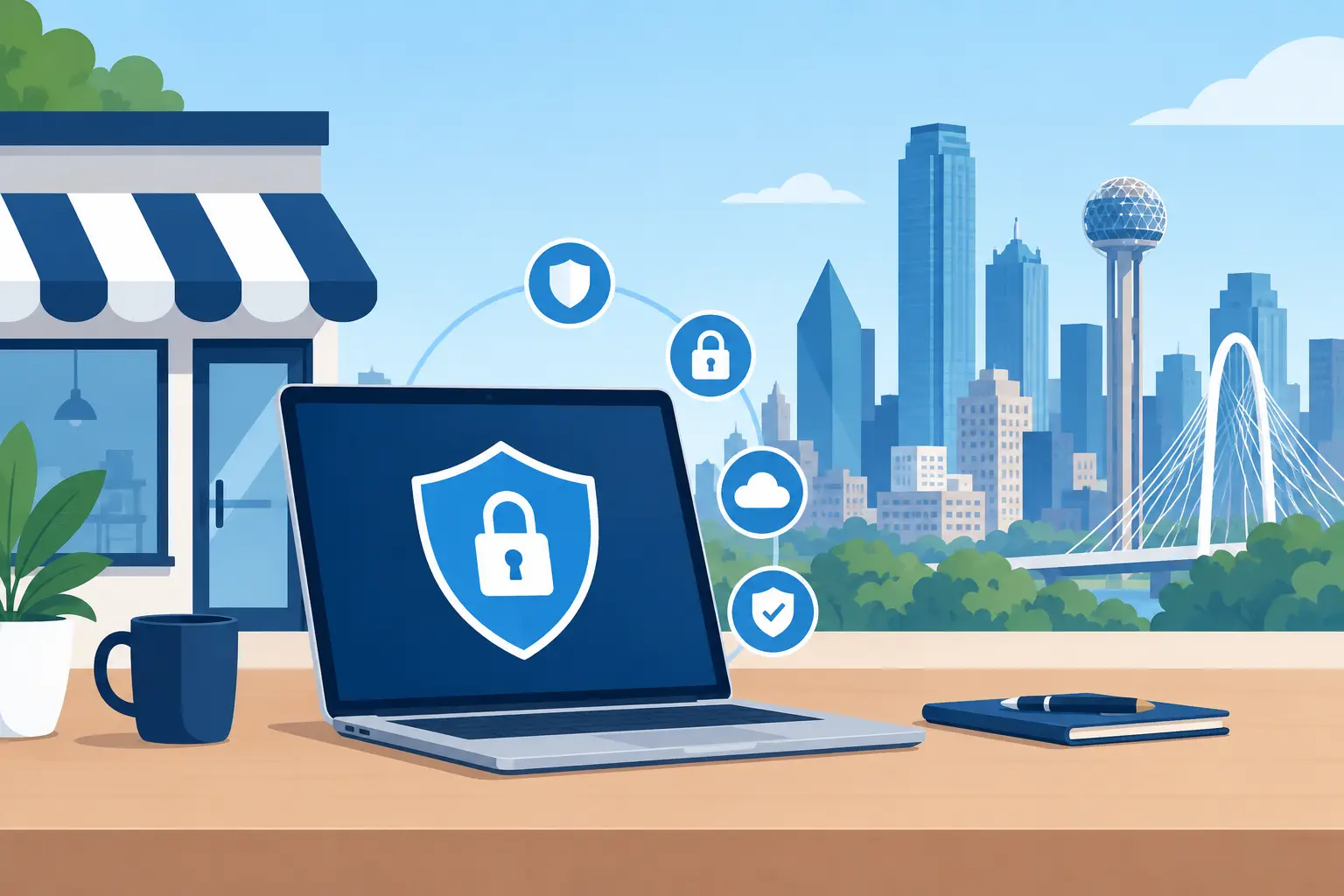
A fake invoice lands in your office inbox at 8:12 a.m. It looks like it came from a regular vendor, uses the right logo, and asks for a payment update before work can continue. One rushed click can expose customer records, redirect a wire payment, or lock every shared file your team needs to serve clients.
That is why a small business cybersecurity guide should start with the risks that actually disrupt local companies, not a pile of intimidating jargon. For owner-led businesses across DFW, cybersecurity is about keeping the doors open, protecting customer trust, and making sure one bad message does not bring operations to a stop.
Small Business Cybersecurity Guide: Cover the Basics First
Most successful attacks do not begin with movie-style hacking. They begin with an easy opening: a reused password, an unpatched computer, a shared login, a fake email, or a backup that was never tested. The good news is that these openings can be closed without turning your office into a high-security bunker.
Start with a simple inventory. Know which computers, tablets, network equipment, cloud accounts, business software, and shared folders contain business or customer information. Include the accounts that control your website, domain name, email, bookkeeping, payroll, and payment processing. If nobody knows who owns an account or where its recovery email goes, that account is a future problem.
Then decide who needs access to what. A team member who schedules appointments may need the calendar and customer management system, but not payroll files or bank information. Limiting access is not about distrusting good employees. It reduces damage when credentials are stolen, an employee leaves, or a device goes missing.
Give Every Account a Strong Door Lock
Passwords are still a major point of failure because people are busy. They reuse familiar passwords, save them in unsafe places, or share one login among several workers because it feels convenient. Shared logins make it difficult to see who changed a record, sent a message, or approved a transaction.
Use a password manager so every business account can have a unique, long password without requiring anyone to memorize a string of random characters. Pair that with multi-factor authentication, especially for email, cloud storage, financial accounts, remote access, and website administration. Multi-factor authentication adds a second check before access is granted. It is one of the highest-value safeguards a small company can put in place.
There is a trade-off: it adds a few seconds to the login process. That small friction is far less painful than recovering an email account that has been used to impersonate your business.
Keep Systems Updated on a Schedule
Software updates often fix security flaws that criminals already know how to exploit. Delaying updates for months turns a known weakness into an open invitation. Enable automatic updates where practical, but do not treat automation as a complete plan.
Business software, network equipment, browsers, security tools, and operating systems all need attention. Schedule updates outside normal work hours when possible and confirm that critical applications still work afterward. A company with specialized estimating, point-of-sale, or industry software may need a more careful testing process than a small office using standard cloud tools. The goal is controlled maintenance, not surprise downtime.
Put Email at the Center of Your Defense
Email is where many scams begin because attackers know your staff receives invoices, customer requests, document shares, and shipping notices all day. They do not need to break into a network if they can persuade one person to hand over access.
Teach employees to pause when a message creates urgency, secrecy, or fear. Common examples include a request from the owner to buy gift cards, a vendor asking to change bank details, a shared document that demands a login, or a customer inquiry with an unexpected attachment. A familiar name is not proof that an email is legitimate. Attackers can imitate names, logos, and writing styles with alarming accuracy.
Create a clear verification rule for money movement and sensitive requests. For example, any change to payment details should be confirmed through a known phone number or an established contact method, never by replying to the suspicious message. Any request to send employee records, tax information, or customer data deserves the same caution.
Training should be short, practical, and repeated. One annual slideshow is easy to forget. A five-minute reminder tied to real examples is more useful, especially when your team is handling a busy season or onboarding new staff.
Back Up What Keeps You in Business
A backup is not simply a copy of files somewhere. It is a recovery plan. If ransomware encrypts your shared documents, a cloud account is deleted, or a server fails, you need clean data that can be restored quickly.
Keep more than one copy of essential data, with at least one copy separated from your main network. This may include a secure cloud backup, a local recovery option for speed, and a protected offsite copy. The right setup depends on how much data you create, how quickly you need to reopen after an outage, and whether you use cloud-based business applications.
Test restoration regularly. A backup that cannot be restored is just a false sense of security. Pick a few files or a folder, recover them to a safe location, and verify that they open correctly. For critical systems, document the order in which services must be restored. Your internet connection, email, shared files, accounting system, and customer database may not all come back online in the same order.
Secure the Office Network and Remote Work
Your business Wi-Fi should not be a single catch-all network for staff devices, guests, smart TVs, printers, and everything else that connects. Separate guest access from business operations. Use a strong Wi-Fi password, replace default network equipment credentials, and make sure your wireless encryption settings are current.
Remote work adds flexibility, but it also expands the number of places where business data can be accessed. Set expectations for employees who work from home, job sites, or while traveling. Public Wi-Fi is not the place to handle banking, payroll, or sensitive customer records without appropriate protections. Personal devices used for business should have screen locks, current updates, and a clear process for removing company access when an employee leaves.
Do not overlook physical security. A device left unattended in a vehicle, a shared office with unlocked screens, or paper records sitting by a printer can create the same kind of exposure as a technical attack. Cybersecurity and everyday office habits belong in the same conversation.
Know What You Will Do When Something Goes Wrong
No small business can promise that a suspicious email will never be opened or that a device will never fail. What matters is whether people know what to do next. A fast response can turn a contained problem into a minor inconvenience instead of a week-long crisis.
Write down who to call, who can make decisions, and which accounts should be secured first. Employees should know to report a suspected scam immediately, not hide it because they are embarrassed. Early reporting gives your technology partner time to isolate affected systems, reset credentials, review access, and protect the rest of the business.
Your response plan should also address customers. If an incident affects their information or your ability to deliver service, honest and timely communication protects trust better than silence. Legal notification duties can vary based on the type of data involved, so get appropriate professional guidance if a breach is suspected.
For many DFW companies, an outside IT partner makes this process manageable. TechXperts can help align security controls, backups, network management, and employee training with how your team actually works, rather than handing you a generic checklist that gets filed away and forgotten.
Build Security Into Daily Operations
The best cybersecurity plan is one your staff can follow on a busy Tuesday. Review access when roles change. Remove former employees promptly. Check backups. Keep systems updated. Talk about current scams in plain English. These habits are not glamorous, but they protect the work, reputation, and customer relationships you have worked hard to build.
Start with the biggest gaps you can fix this month. A stronger password process, multi-factor authentication, verified backups, and a clear payment-verification rule can change your risk level quickly. Security does not have to slow down a growing business. Done well, it gives your people the confidence to work faster because they know the basics are covered.

0 Comments