
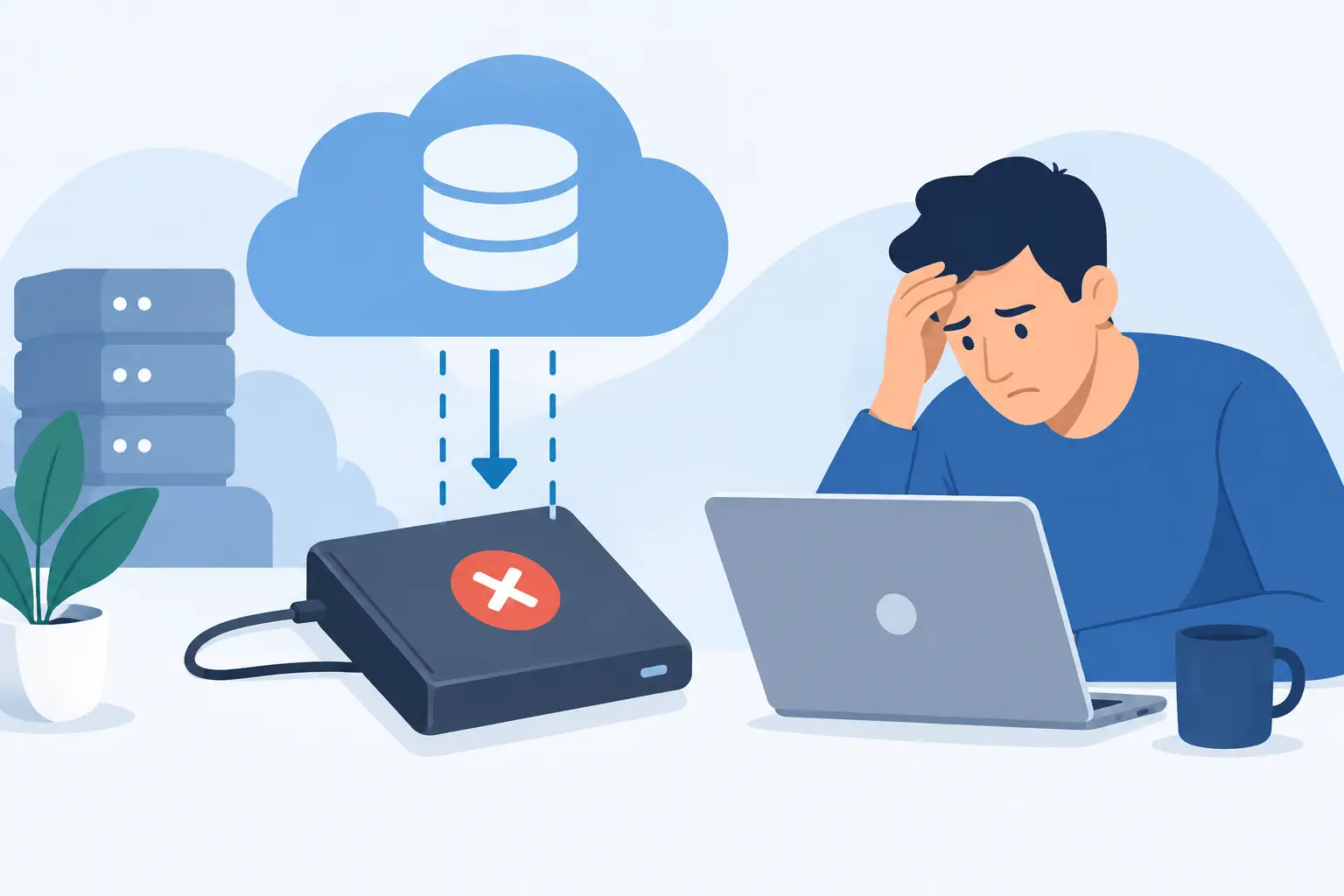
A server crashes at 8:15 a.m. A ransomware message replaces every shared file. An employee deletes the wrong customer folder before realizing what happened. That is when people learn why backups fail: having a backup is not the same as being able to restore the data you need, fast enough to keep work moving.
For a small business, backup failure can mean missed appointments, delayed invoices, lost job photos, compliance headaches, and a team stuck waiting for answers. For a household, it can mean years of family pictures, tax records, and personal files disappearing with one failed drive. The good news is that most backup failures are preventable when someone takes ownership of the full recovery process.
Why Backups Fail in Real-World Emergencies
Backups usually fail because they were treated as a one-time purchase instead of an ongoing business system. A backup drive may have been plugged in years ago. A cloud account may be syncing files but not retaining prior versions. Software may be reporting a warning nobody sees until the original files are gone.
The weak point is often not the backup tool. It is the missing plan around it. Who checks whether the backup ran? Which files, devices, and cloud accounts are included? How long would it take to restore the office after a serious incident? If nobody can answer those questions clearly, the business is relying on hope.
The Backup Never Actually Ran
Scheduled backups can silently stop after a password change, an expired subscription, a disconnected external drive, a full storage destination, or a software update. A green icon from six months ago does not prove last night’s backup completed.
This is especially common in busy offices where one computer becomes the unofficial file server. Staff save estimates, accounting exports, contracts, and scanned documents there because it is convenient. Then that computer runs out of disk space or loses its connection, and the backup job starts failing in the background.
A dependable setup needs alerts that reach a real person, plus regular review. A failed backup should be treated like a failed security alarm: not something to handle whenever there is time.
The Wrong Data Was Protected
Many companies back up the obvious shared folder but overlook data stored elsewhere. Desktop folders, local documents, email archives, accounting databases, employee cloud storage, line-of-business applications, and paperless-office scanning systems can all hold critical information.
Cloud services add another layer of confusion. File syncing is useful, but syncing is not always backup. If a user accidentally deletes a file and that deletion syncs everywhere, every connected device may reflect the same mistake. Version history and retention settings matter. So does knowing whether your specific cloud platform protects deleted items long enough for your business.
Start by identifying what would stop operations if it disappeared. That list usually goes beyond documents. It may include customer contacts, design files, photographs from active projects, software settings, email, and the credentials needed to access essential systems.
One Copy Is Not a Backup Strategy
A portable drive sitting next to the computer offers some protection against a drive failure. It offers far less protection against theft, fire, flooding, power damage, or ransomware that reaches both the computer and the attached drive.
The practical standard is the 3-2-1 approach: keep three copies of your data, on two types of storage, with one copy stored offsite. For many DFW small businesses, that means a local backup for quick restores and a separate encrypted cloud or offsite copy for a major event.
There are trade-offs. Local recovery is often faster when a single folder or workstation needs attention. Offsite recovery protects against a disaster at the office, but large restores can take longer depending on internet speed and the amount of data involved. The right answer is usually a combination, not an either-or decision.
Ransomware Reaches the Backup Too
Ransomware does not only target active files. It looks for shared drives, mapped folders, accessible storage, and connected backup devices. If the backup is always available with the same permissions as the rest of the network, it may be encrypted along with everything else.
A safer design uses protections such as separate backup credentials, limited access, immutable backup copies, and retention periods that prevent attackers or users from simply deleting all recovery points. The exact tools depend on your environment, but the goal is simple: an infection on one computer should not be able to erase every copy of your data.
Security also affects recovery. A weak password, shared administrator account, or untrained employee can turn a minor incident into a company-wide outage. Backups are a recovery layer, not a replacement for antivirus, updates, access controls, and staff awareness.
A Backup Is Only Proven When It Restores
The most dangerous phrase in technology is, “It should be backed up.” A backup is proven only when files can be restored, opened, and used where they are needed.
Testing does not always require rebuilding an entire office. Restore a recent customer folder. Open a few documents. Recover a file from the prior month. Confirm that permissions are correct and that the restored data is not corrupted. Then, at least periodically, test a larger recovery scenario so you know how long it takes to get a critical computer, shared folder, or key application operating again.
This testing often exposes issues that routine backup reports miss. Perhaps the backup contains files but not the database needed to use them. Perhaps the restore is too slow for your acceptable downtime. Perhaps no one knows the encryption key or account login. Those are fixable problems when the office is operating normally. They are painful surprises during an emergency.
Set Recovery Targets Before You Need Them
Not every file needs the same level of protection. A contractor may need current job information restored within a few hours, while old marketing graphics can wait. A professional office may need client records available quickly but can tolerate restoring archived files later.
Decide two things for each critical system: how much recent work you can afford to lose, and how long you can afford to be without it. If losing one day of data is acceptable, nightly backup may fit. If losing an hour of transactions would create a serious problem, more frequent backups are needed. If the office cannot function for two days while data restores, plan for faster local recovery or standby systems.
This is where a customized plan beats a generic backup box. The goal is not to buy the most storage. It is to protect the work that keeps customers served and revenue coming in.
Build a Backup Process People Can Manage
A good backup plan should be simple enough for the owner or office manager to understand. Document which systems are covered, where copies are stored, who receives failure alerts, and who has authority to start a restore. Keep account credentials and recovery information protected but accessible to the right people.
Review the plan after major changes. New employees, a move to cloud software, a new file-sharing process, added workstations, and expanded storage can all create gaps. Small businesses change quickly, and a backup plan that was correct last year may not cover how the team works now.
TechXperts helps DFW homes and businesses move from “we think it is backed up” to a documented, monitored recovery plan with local and offsite protection. The best time to find a gap is during a calm review, not when customers are waiting and your files are gone.
Take ten minutes this week to ask when your most critical files were last restored successfully. If the answer is unclear, that is not a reason to panic. It is your next practical step.


0 Comments