
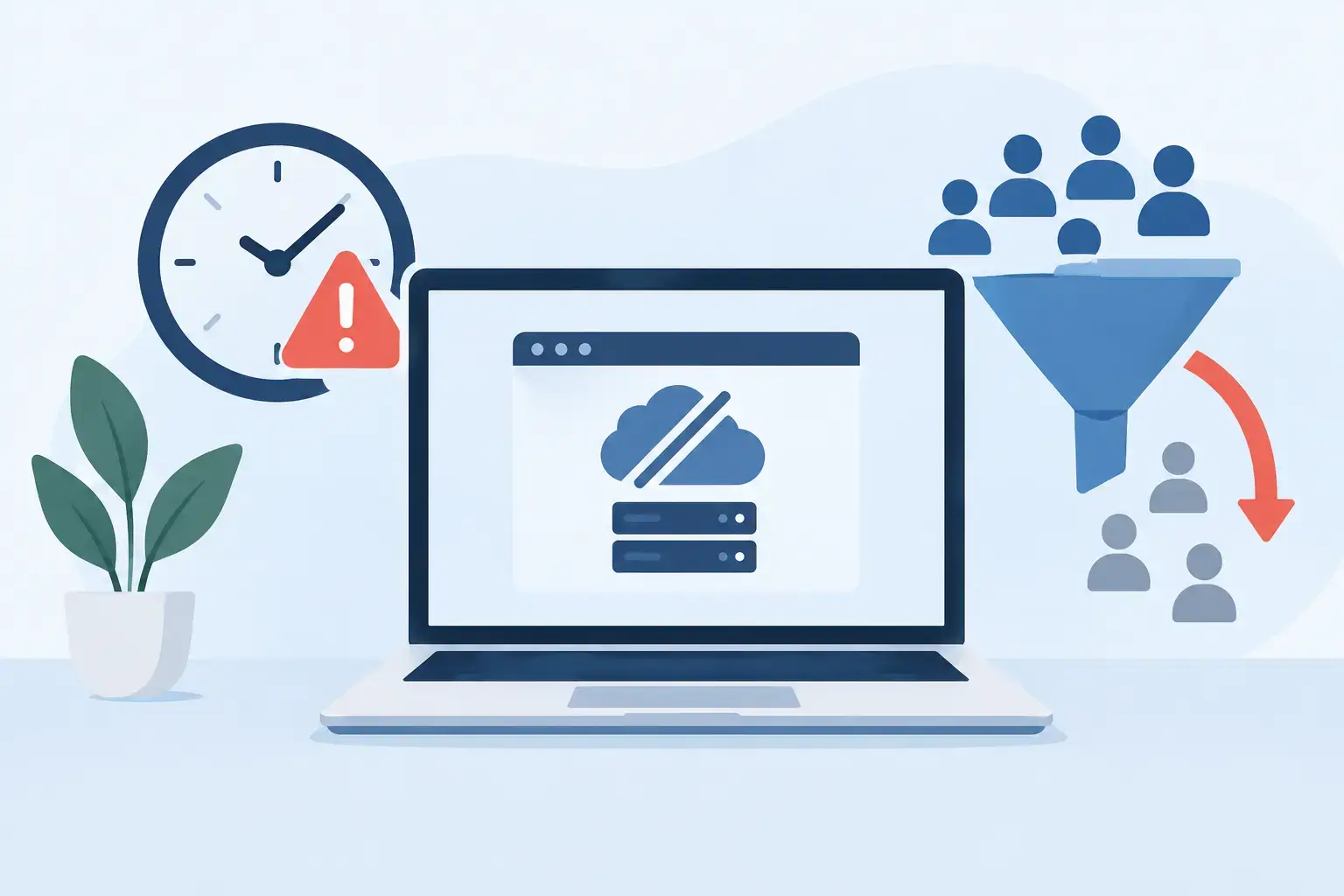
A website can be beautifully designed, rank well on Google, and bring in qualified local traffic – until it goes down at the exact moment a customer searches for your services. Website downtime causes are not just technical annoyances. For a DFW business, they can mean missed calls, abandoned quote requests, lost appointments, and a prospect choosing the competitor whose site answered first.
The frustrating part is that downtime often looks sudden from the outside. A visitor sees an error page. Your team sees fewer leads. Behind the scenes, though, there is usually a clear reason: a hosting failure, an expired domain, a broken update, a traffic spike, or a security issue that was allowed to grow.
Why Website Downtime Hits Small Businesses Hard
Large companies may have dedicated web teams, redundant systems, and someone watching alerts around the clock. Most small businesses do not. The owner, office manager, or marketing person may discover the problem only after a customer mentions it.
That delay matters. If your website supports your Google Business Profile, paid ads, online booking, contact forms, or local SEO efforts, every unavailable minute can interrupt work you have already paid to build. Search engines also need reliable access to your pages. A brief outage will not normally destroy rankings, but repeated or lengthy outages can make it harder for search engines to crawl your site and easier for competitors to gain ground.
Not every outage has the same impact. A five-minute interruption overnight may be little more than an inconvenience. A two-hour outage during a campaign, seasonal rush, or weekday business hours is a customer-service problem. The right response depends on what failed, how long it has been unavailable, and which parts of the site are affected.
The Most Common Website Downtime Causes
Hosting and server failures
Your hosting server is where your website’s files, database, and email-related services may live. If that server has a hardware problem, configuration error, overloaded resource, or data-center disruption, visitors may not be able to reach your site.
Shared hosting can be cost-effective for a simple site with modest traffic. The trade-off is that other accounts on the same server can sometimes affect performance. A business with active marketing campaigns, ecommerce activity, or a high-value lead pipeline may need hosting with stronger resource guarantees, active monitoring, and a tested recovery plan.
Expired domains, SSL certificates, and billing problems
Some outages are surprisingly avoidable. A domain registration expires because renewal notices went to an old email address. A credit card on file fails. An SSL certificate expires, triggering a browser warning that scares visitors away even if the site technically loads.
These issues are common when a former employee, web designer, or outside vendor controls the account. Your business should know who owns the domain, where it is registered, which email receives renewal notices, and who can log in during an emergency. Ownership and access are not paperwork details. They are business continuity.
DNS problems
DNS is the system that points a domain name to the correct web server. When DNS records are changed incorrectly, visitors can be sent to the wrong place or nowhere at all. This often happens during a hosting migration, email setup, website redesign, or domain transfer.
DNS changes can also take time to update across the internet. That does not mean every delay is a mistake, but it does mean changes should be planned carefully. Before switching records, document the existing setup, confirm the destination server, and verify that website and email records will continue working as intended.
Software updates and plugin conflicts
Content management systems, themes, plugins, and integrations need updates to fix security holes and maintain compatibility. But an update can also conflict with custom code, another plugin, or an outdated server setting. A site may display a blank page, throw an error, lose a form function, or slow to a crawl.
Skipping updates indefinitely is not the answer. Old software creates its own risk. The smarter approach is to take a current backup, test major changes when possible, update in a controlled order, and confirm that critical functions still work afterward. Check the contact form, phone links, scheduling tool, shopping cart, and key service pages instead of assuming the homepage tells the whole story.
Cyberattacks and malware
A hacked website may be taken offline by the attacker, quarantined by the host, or disabled while cleanup happens. Malware can redirect visitors, inject spam pages, steal data, consume server resources, or damage trust in your brand.
Small businesses are not too small to be targeted. Automated attacks look for common weaknesses such as reused passwords, unpatched plugins, insecure administrator accounts, and poorly protected hosting access. Security requires layers: strong unique passwords, multi-factor authentication where available, timely updates, security monitoring, and offsite backups that cannot be overwritten by the same compromised account.
Traffic spikes and resource limits
More traffic is usually good news, but a sudden spike can overload a site that was not prepared for it. A successful social post, local news mention, promotion, email campaign, or bot traffic can use up available server resources. Visitors may see slow pages, timeouts, or error messages.
This is one reason marketing and technology should not operate in separate silos. Before a major campaign launches, make sure the hosting environment, caching, images, forms, and tracking tools can handle the expected demand. If a campaign brings visitors but the website cannot respond, the marketing budget is working against you.
Database, integration, and human errors
Many business sites depend on more than web pages. They rely on databases, payment gateways, booking platforms, customer relationship tools, inventory systems, maps, and form notifications. If an API key expires or a database reaches its storage limit, the site may appear online while an important action fails.
Human error is another major factor. A file is deleted, a setting is changed, or a developer pushes unfinished code to the live site. These mistakes happen even to experienced teams. The protection is process: limited access, clear change records, staging environments for major work, and backups that have actually been tested for restoration.
What to Do When Your Site Goes Down
First, confirm the scope. Check the site from a different browser or mobile connection so you do not mistake a local network problem for a public outage. Test more than the homepage. Try a service page, contact form, login area, and any booking or checkout path that matters to your business.
Next, determine whether the issue is hosting, DNS, a recent website change, or a domain and certificate problem. Check account notices and monitoring alerts, then contact the provider that controls the affected service. Avoid making random changes while customers are waiting. An unplanned fix can make recovery slower.
If the outage will last more than a few minutes, communicate clearly. Update staff so they can take leads by phone or email, pause paid traffic if it is landing on an unavailable page, and use your available channels to direct urgent customers to another contact method. Do not promise a restoration time until you have confirmation.
After service returns, test the functions that produce revenue and leads. Then document what happened, how long it lasted, what action restored the site, and what will prevent a repeat. This turns a stressful interruption into a better operating plan.
Preventing Repeat Website Downtime Causes
Prevention is less dramatic than emergency troubleshooting, but it saves more money. Start with dependable hosting that matches your site’s real needs, not just the lowest monthly price. Maintain automatic backups on a separate system, and periodically confirm you can restore them. A backup that has never been tested is only a hopeful idea.
Set calendar reminders and account alerts for domain renewals, SSL certificates, hosting renewals, and payment methods. Keep a secure record of who owns each account and how to reach support. Review administrator access when staff or vendors change.
Your website also needs routine care. Monitor uptime, review security alerts, update software on a planned schedule, and test forms after changes. For a business that depends on local searches and online leads, this is basic operational maintenance, much like checking the locks, lights, and phone lines before opening for the day.
TechXperts helps North Texas businesses connect website reliability with the bigger picture: secure systems, dependable backups, lead generation, and practical support when something goes wrong. The goal is not just to get a site back online. It is to make sure customers can find you, trust you, and reach you when they are ready to buy.
A website should be one of the most dependable members of your team. Give it the monitoring, ownership, and maintenance it needs, and it will spend more time bringing in opportunities than creating emergencies.


0 Comments