
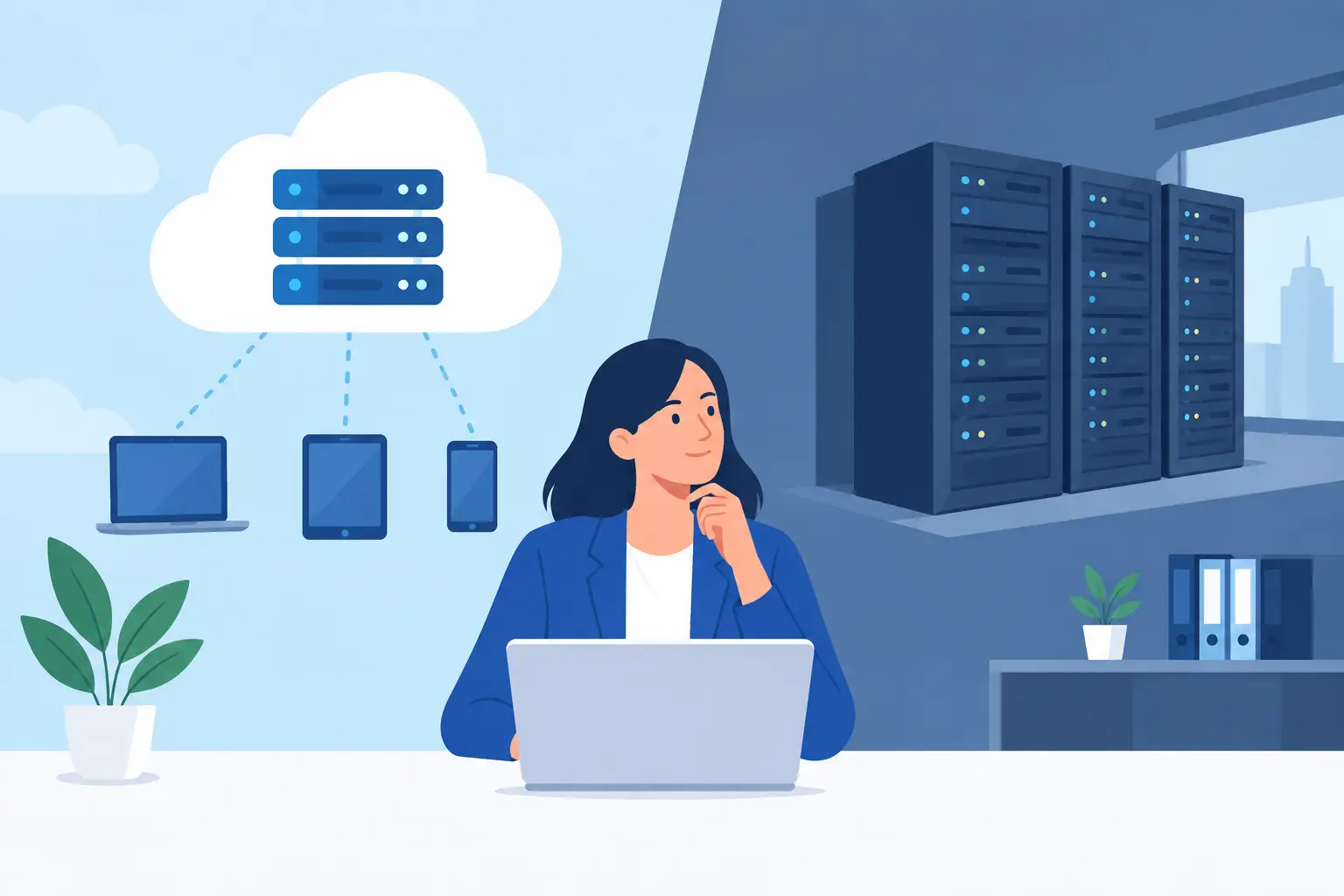
A server decision can show up at the worst possible moment: when an employee cannot open a customer file, a storm knocks out internet service, or ransomware hits a shared folder. The cloud server versus local server question is not about picking the newest technology. It is about choosing where your business can work reliably, protect its data, and recover when something goes wrong.
For many North Texas small businesses, the best answer is not an all-or-nothing choice. It is a setup built around how your team actually works, what data you handle, and how much downtime your operation can tolerate.
What Is the Difference Between a Cloud Server and a Local Server?
A local server is a physical computer that lives at your office, shop, or another location you control. It may store shared files, run business software, manage user accounts, or host specialized applications. Your team connects to it through the office network, and remote access usually requires a secure connection such as a VPN.
A cloud server runs in a provider’s data center instead of your building. You access it through the internet, usually from any approved device and location. The provider handles the physical hardware, power, cooling, and much of the underlying infrastructure. Your business still has responsibilities for access settings, data protection, user training, and application configuration.
That distinction matters. Moving to the cloud does not mean someone else automatically handles every security or backup task. It changes who manages which parts of the job.
Cloud Server Versus Local Server: The Real Trade-Offs
The right choice comes down to daily operations, not buzzwords. A contractor who needs plans and job photos from the field has different needs than a professional office running a specialized database on a high-speed internal network.
Access and flexibility
Cloud systems are usually the clear winner when people work from home, visit job sites, travel between locations, or need to collaborate with outside partners. With the right permissions and multi-factor authentication, staff can reach the files and tools they need without being tied to one office.
A local server can still support remote work, but it takes more planning. Your internet connection, firewall, remote-access method, and office power all become part of the employee’s ability to work. If the office loses power or internet, remote staff may lose access too.
For a single office where everyone works onsite and uses large files all day, a local server can feel faster. Files move across the internal network instead of traveling over the internet. This can matter for design files, media projects, large databases, and applications that were built for an onsite environment.
Cost and budgeting
Local servers typically require a larger upfront investment. You are paying for the server hardware, drives, battery backup, network equipment, installation, security tools, maintenance, and eventual replacement. Hardware does not last forever, and an older server can become a business risk long before it completely fails.
Cloud services usually shift more of the expense into monthly or annual fees. That can make budgeting easier and reduce the need for a major equipment purchase. It can also grow more expensive over time if you add users, storage, backups, virtual machines, or premium support without reviewing your plan.
Cloud is not automatically cheaper, and local is not automatically a better long-term value. Ask for the three- to five-year cost, including support, backup, cybersecurity, downtime risk, licensing, and replacement hardware. The lowest first-year price is rarely the full story.
Security and control
A properly configured cloud environment can provide strong physical security, redundant power, monitored data centers, and tools that a small office would struggle to build on its own. But a cloud account with weak passwords, too many administrator accounts, or careless file sharing is still vulnerable.
A local server gives you direct control over where data resides and how it is accessed. That can be useful for certain compliance requirements or legacy software. It also means your business is responsible for the server room, cooling, power protection, patching, firewall rules, antivirus, account management, and physical security.
Neither option is secure by default. Good protection starts with unique passwords, multi-factor authentication, limited user permissions, reliable updates, monitored security tools, and employee training. Most small-business breaches begin with a person or process problem, not a dramatic movie-style attack.
Reliability and recovery
Cloud platforms can offer excellent uptime, but your office still needs dependable internet. If your connection goes down, cloud files and apps may be out of reach even though the provider is operating normally. A secondary internet connection or mobile failover can be worth considering for businesses that cannot pause work.
Local servers keep many resources available during an internet outage, as long as office power and the server itself remain operational. However, a fire, theft, flood, electrical event, or hardware failure at your location can take out both the server and an onsite backup if they are stored together.
That is why every serious setup needs a recovery plan. Keep at least three copies of important data, on two different types of storage, with one copy stored offsite or in the cloud. Test restoring files and systems before an emergency. A backup that has never been tested is only a hopeful assumption.
When a Cloud Server Makes the Most Sense
Cloud servers are often a strong fit for businesses that need flexible access without hiring a full internal IT department. They work especially well when your team uses modern web-based accounting, customer management, scheduling, communication, or document-sharing tools.
Choose a cloud-first approach when your business has employees in the field, multiple locations, a hybrid work schedule, or frequent collaboration with clients. It is also practical when you want to scale up without buying another physical server every few years.
Cloud can simplify growth, but only when accounts, permissions, storage policies, and backup retention are managed with discipline. Adding users should be easy. Giving every user broad access to every business file should not be.
When a Local Server Still Makes Sense
A local server remains a smart choice for some businesses. It can be the right fit when you rely on specialized software that does not run well in the cloud, have very large files moving constantly within one building, or need fast access even during temporary internet outages.
It may also be appropriate when a business has strict requirements for data location or needs tighter control over a particular application. The key is to avoid treating the server like an appliance that can sit in a closet untouched for years. It needs monitoring, updates, documented configurations, and a replacement plan.
If your local server is more than five years old, showing disk errors, running out of storage, or slowing down daily work, do not wait for a complete failure to make a plan. Emergency migrations cost more, cause more disruption, and leave fewer good options.
The Hybrid Option Is Often the Practical Winner
Many small businesses get the best results from a hybrid setup. They keep a local server for speed-sensitive software or onsite files while using cloud services for email, collaboration, offsite backup, remote access, and disaster recovery.
For example, an office might maintain its line-of-business application onsite while storing shared documents in a managed cloud platform. A local backup can speed up routine file recovery, while an encrypted cloud backup protects the business if the building has a major incident.
This approach does require clear planning. Staff should know where the official version of a file lives, which system is backed up, and how to access critical information during an outage. Duplicate folders and unofficial workarounds create confusion when time matters most.
Questions to Ask Before You Decide
Before choosing between cloud and local infrastructure, get specific about your operation. How many people need access? Do they work only in the office or from multiple locations? Which applications cannot be offline, and how long could you reasonably operate without them?
Also consider internet quality, data growth, compliance needs, and your tolerance for managing hardware. A business with 10 employees and simple file sharing may need a very different design than a 10-person office running an industry-specific database with large customer records.
The best technology plan should support the work your team does today while leaving room for growth. TechXperts helps DFW businesses sort through those details in plain English, so the answer is based on uptime, security, workflow, and budget rather than a one-size-fits-all sales pitch.
Before you buy hardware or move files, map out your critical applications, data locations, backup process, and outage plan. A clear picture of what keeps your business running will point you toward the server setup that earns its keep every day.
0 Comments